
External Credits can be stored in the CE Learning platform for future reference.
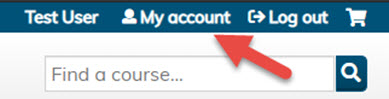
- Click My Account.
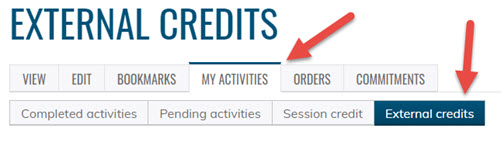
- Click the My Activities tab, then External Credits
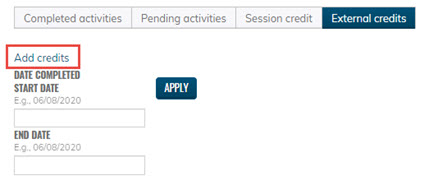
- Click on Add Credits
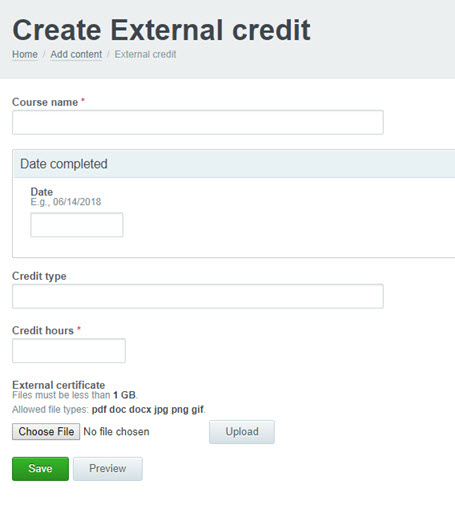
- Fill out the course name, date completed, credit type and hours earned. There is also the option of downloading an external certificate. When completed, click save.
- The credits be confirmed they were created and will be stored under External Credits

If you have questions, please click here